The order information page consists of the following blocks :
- Timeline: It shows the progress of the delivery.

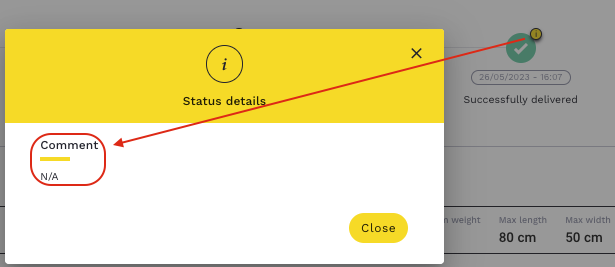
A carrier can leave a comment for each status indicated by an “i” icon (above the green check mark).
That means this icon is clickable and it allows to view the information if there is any.
Content
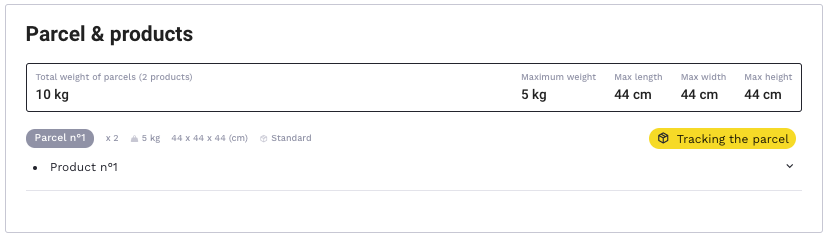
- Parcel & Products : Displays the list of parcels and products to be delivered.
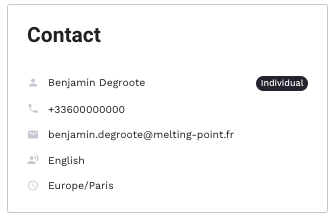
- Contact: It allows you to display the information about the customer, who is the recipient of the delivery.
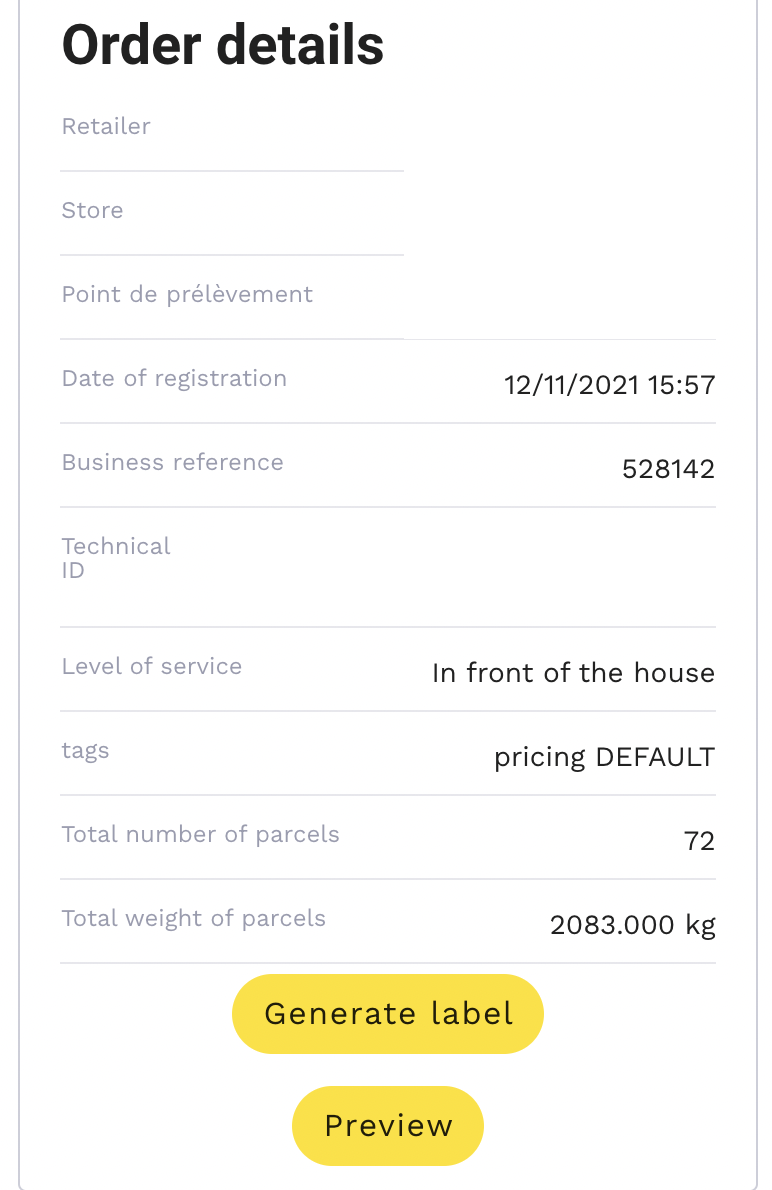
- Order Details: You can view the shipping information and download the shipping label.
- Alerts : Details the history of incidents that have impacted the order.

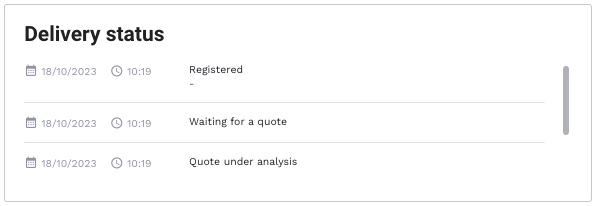
- Delivery status : Details the history of delivery statuses.
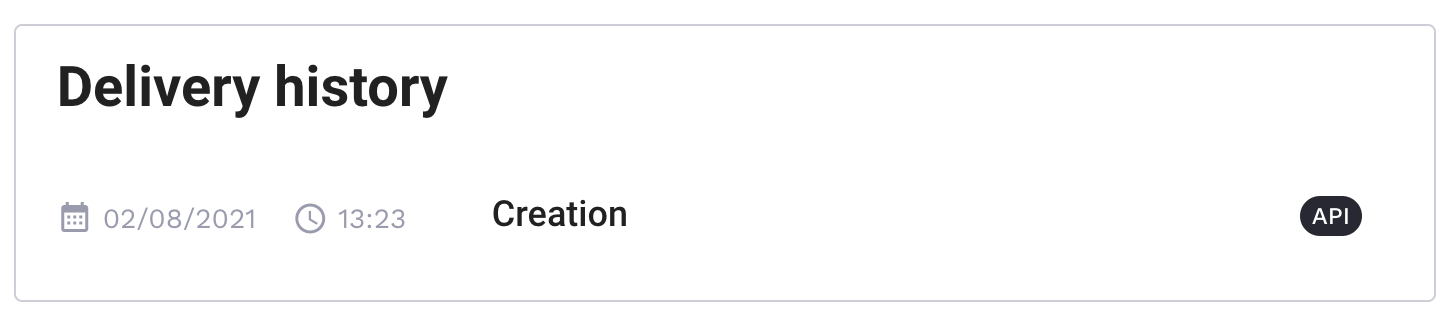
- Delivery history : Allows you to check by whom and how (API or manually) the transport order has been created, modified and cancelled.
Delivery
- Carrier contact: It allows you to display the carrier's contact details as well as to access the carrier's claim link by clicking on "Claim URL".
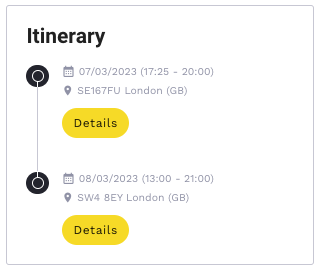
- Itinerary: It shows the place of picking up and delivery of the order and allows to display the detailed pick up point and delivery information as well.
- Delivery: It indicates delivery information and allows you to download the delivery slip.
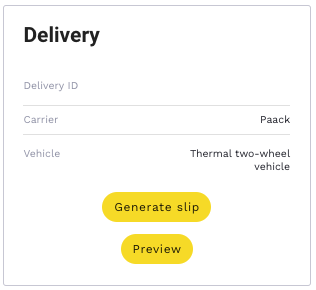
The following information is available:
-
- Delivery ID : carrier's delivery ID
- Carrier : name of the selected carrier
- Vehicle : type of vehicle used by the carrier for the particular delivery
- Carriers in demand: It allows you to view the carriers that were requested/called for the delivery quote as well as their answers.
- > If the stripe is green, the delivery is accepted by the carrier
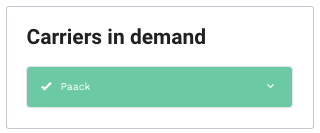
- > If it is refused, it is displayed with white stripe and black cross on it

Information
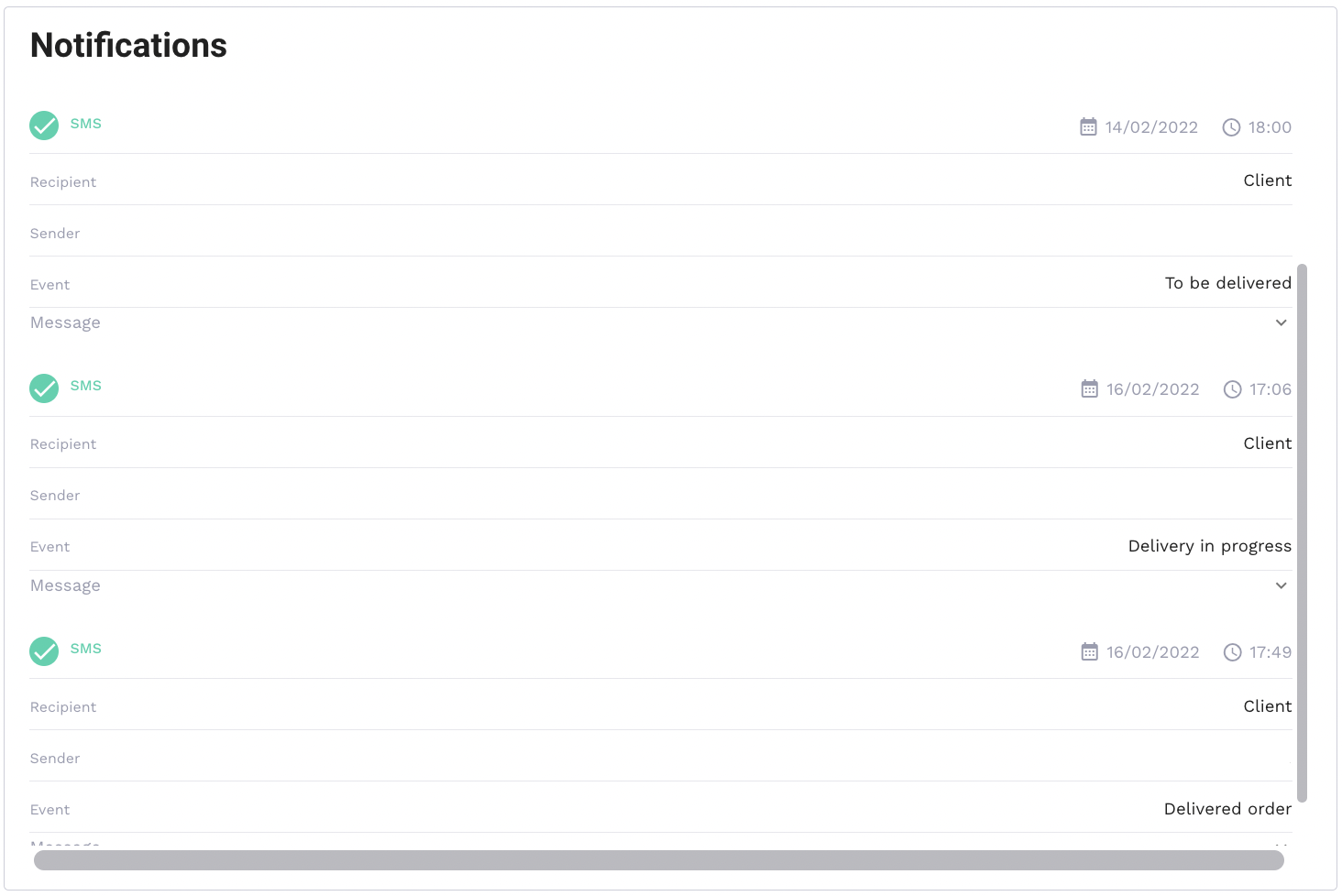
- Notifications : Allows you to view the notifications sent to clients.
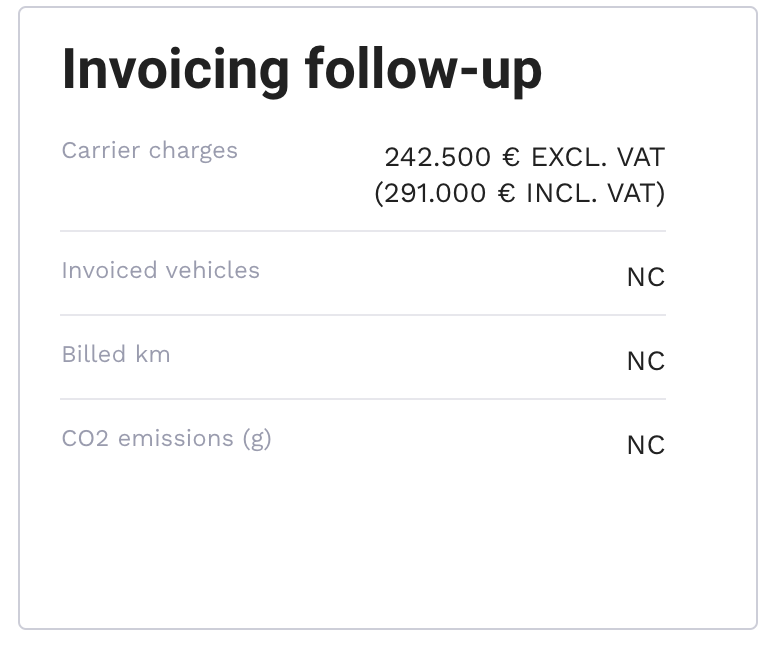
- Invoicing follow-up : Allows you to view the delivery cost.
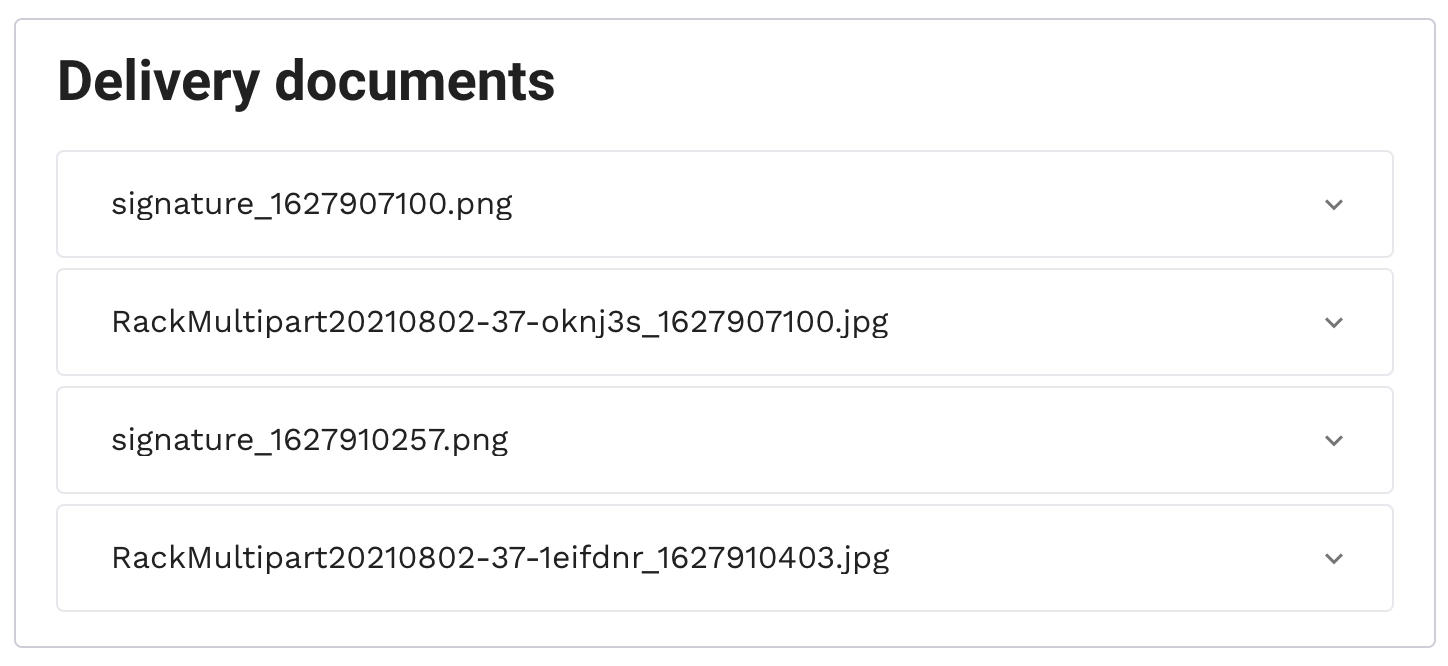
- Delivery documents: Allows you to view all delivery documents such as photos and customer signatures attached by the carrier.
- Final customer rating: Allows you to display the customer satisfaction rating (if the satisfaction survey is sent to the client, and if the clients replies)