There are two scenarios for the order cancellation :
- If no carrier is assigned to the order (i.e., the order has a "No quote", "Carrier unavailable", or "No carrier" status), it can be canceled.
- If the order has an assigned carrier, it depends on the carrier that is assigned to the order.
- If the carrier accepts cancellations, we cancel the order from the order page (Woop calls the assigned carrier)
- If the carrier does not accept cancellations, you must close the order (this action cancels the order in Woop without calling the assigned carrier)
Delete an order
The cancellation of an order is done from the order detail page.
To cancel an order, click on "Actions" → “Cancel” at the top right corner :
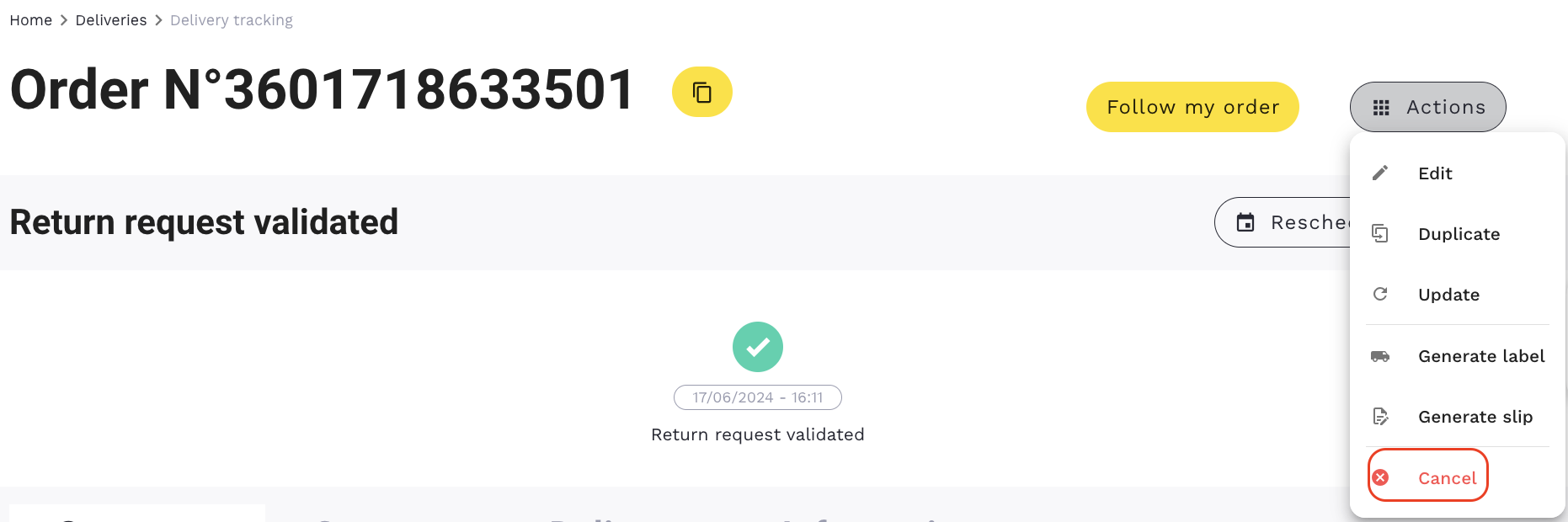
If the cancellation is possible, the status "Cancelled delivery" will be available on the timeline :

In most cases, cancellation is possible without restriction as long as the order is in the following status: "Validated request".
From the moment the order is taken over by the carrier, it is no longer possible to cancel it.
If you want to relaunch the cancelled order, click on "Actions"→ "Edit"
The "Order creation" page will appear.
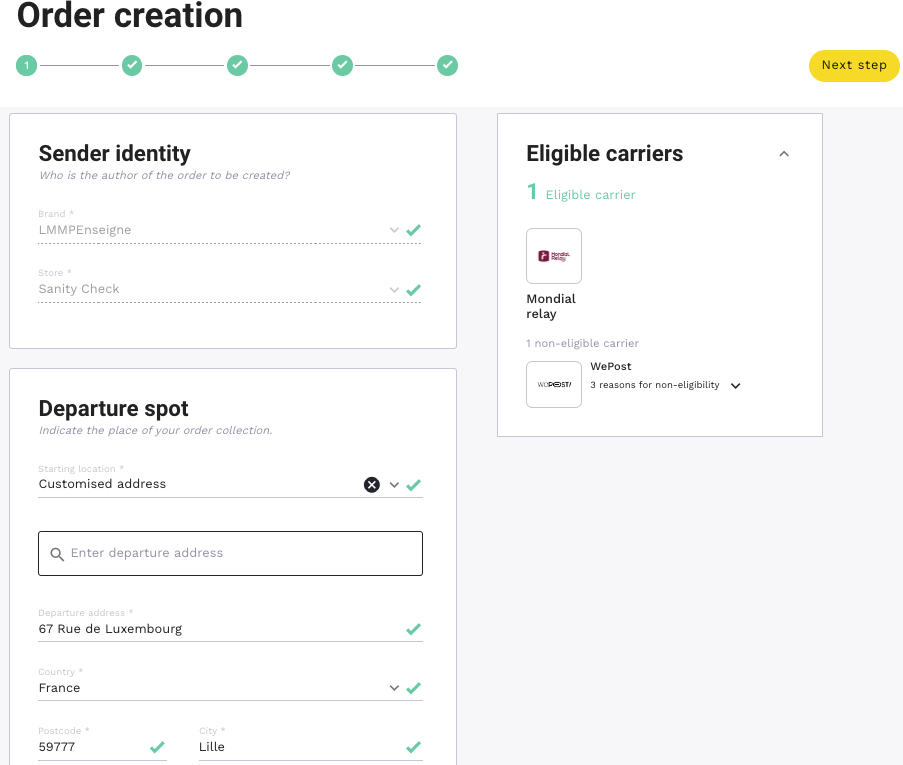
You have the choice of either changing the information that was entered before or leaving the order as it is.
Click on "Finalize order" to it.
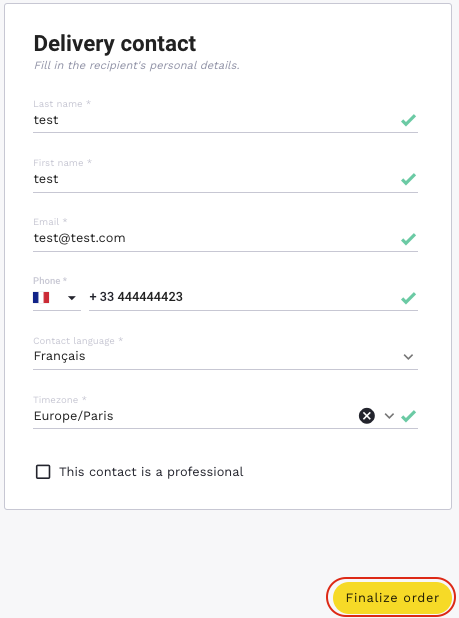
You can cancel the order again if you wish by clicking on "Cancel".
Cancellation impossible
Some carriers (for example, DPD) do not authorise or manage cancellation requests.
When you try to cancel, the message will be displayed as follows: "Cancellation not possible, please contact the carrier".
Close an order
Some carriers (such as DPD and Tailormade Logistics) do not allow or do not handle cancellation requests.
Some orders, whose cancellation is not possible, remain in an "open" status (Validated request) even though they will never be delivered.
To fix this problem, a new status has been configured, which is "Delivery closed".
To close an order, click on "Close":
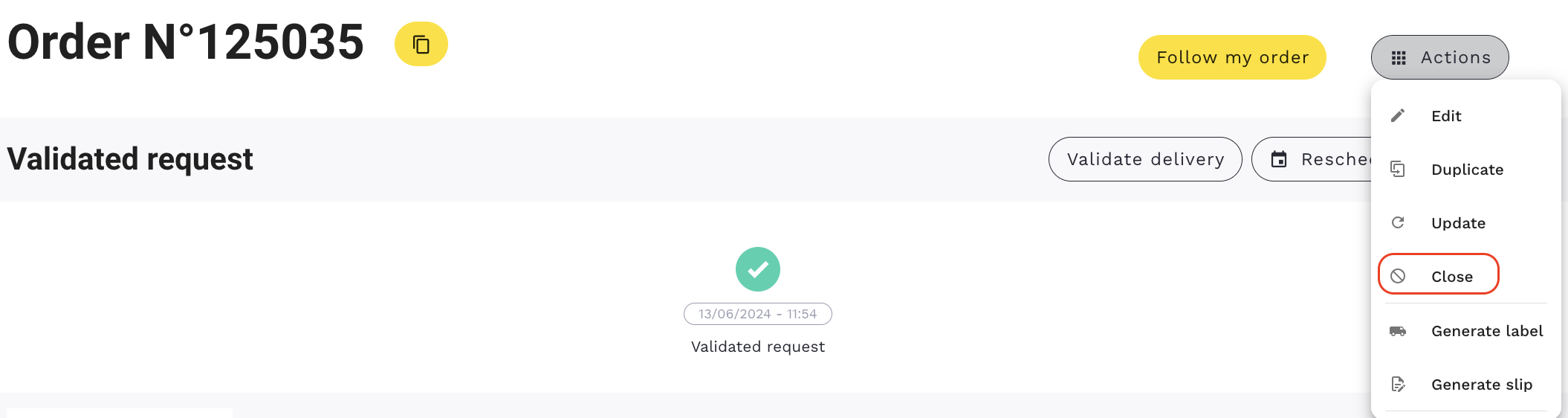


The order will be in the status of "Delivery closed".