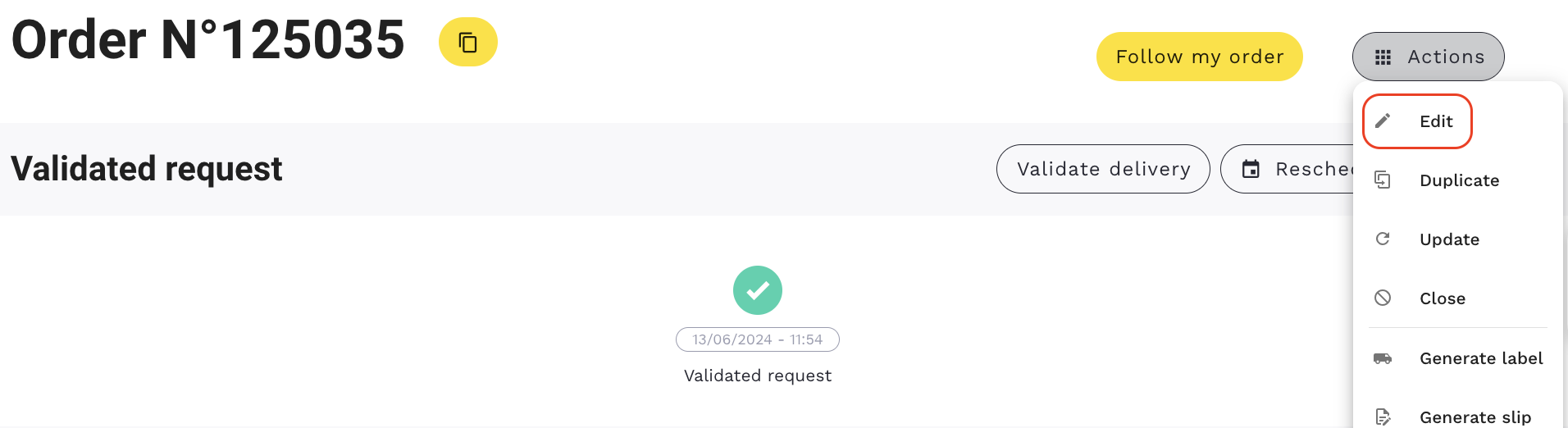
The editing of an order is done from the order detail page.
To edit an order click on "Actions" →"Edit" at the upper right corner of an order.
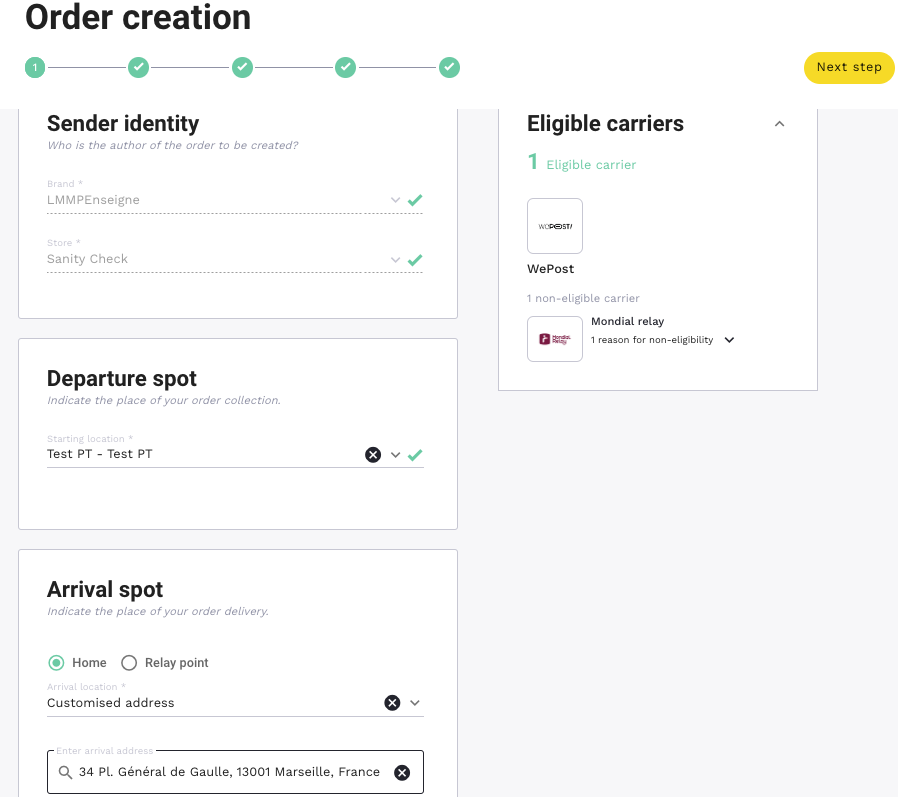
The page of "Order creation" will be displayed.
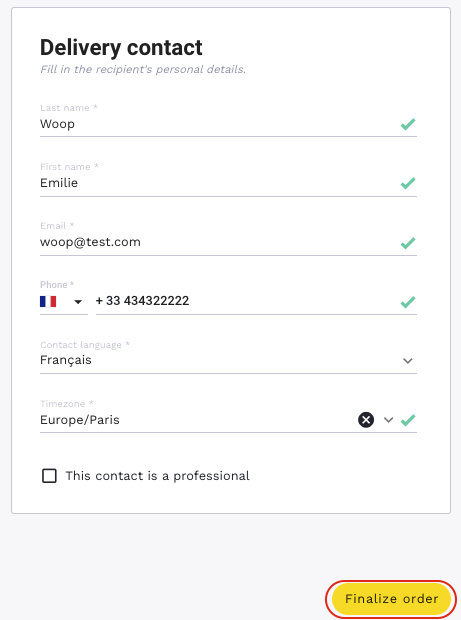
Once the modifications are done, click on "Finalize the order".
You can go directly to the step you need by clicking the number of the step (1, 2, 3, 4 or 5).
The modification remains possible without restriction as long as the order is in “Validated request” status.
If the change has no impact on the carrier, it will let the order status as it is.
If the modification affects the carrier in any way, Woop will relaunch the order delivery request and will contact for the quote again.
From the moment when the order is taken of by the carrier, it is no longer possible to modify it.
It is possible to view the modifications that were made in the "Delivery history" block.
