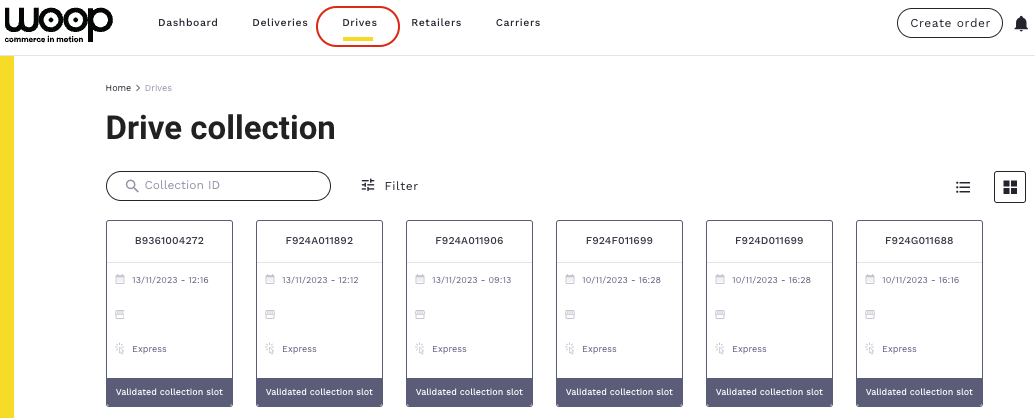
Click & Collect/Drive orders appear in the tab "Drives" of the home page as thumbnails.
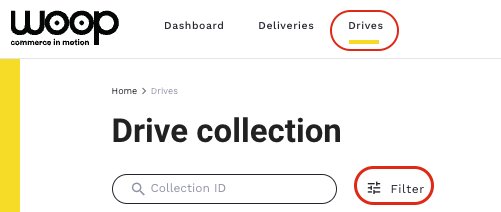
To search for an order, click on “Filter”.
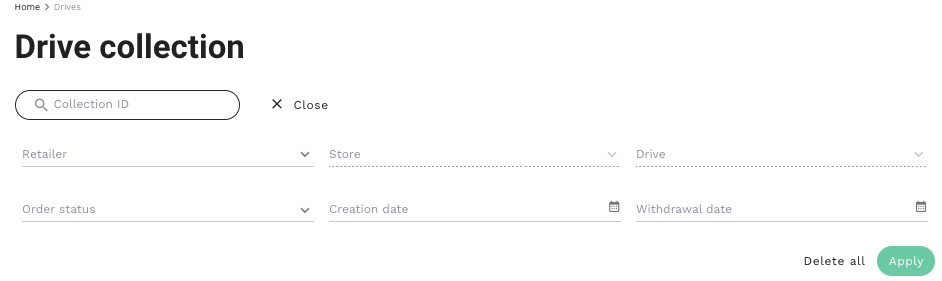
Different filters will be presented to search for the order(s) you are looking for.
Once you have chosen the filter criteria, click on "Apply" at the bottom right to get the order(s) you need.