To view the details of an order, we will list below the different blocks that make it up:
Timeline : It shows the progress of the order.

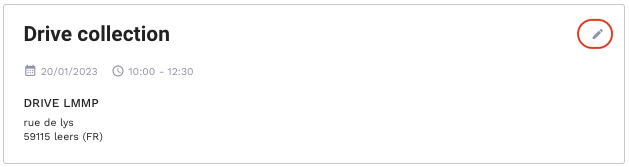
Drive Collection : Indicates the location of the drive where the order was created.
The withdrawal slot appears once it is validated by the customer.
In addition, depending on the drive type (deferred, standard or express), the "Edit" button (upper right corner) is available or not. This action allows you to modify the withdrawal slot.
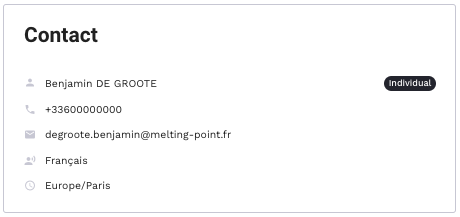
Contact: Indicates the information about the customer who has placed the order.
In order to get these details click on "Display informations".
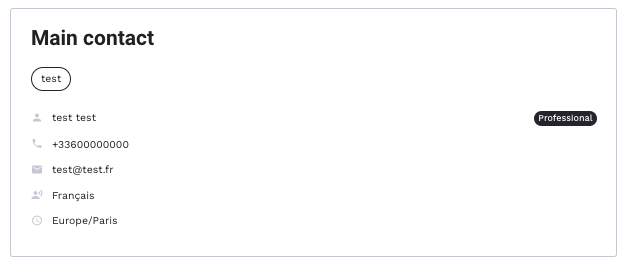
Main contact: Here you can find the information of the main contact of the drive.
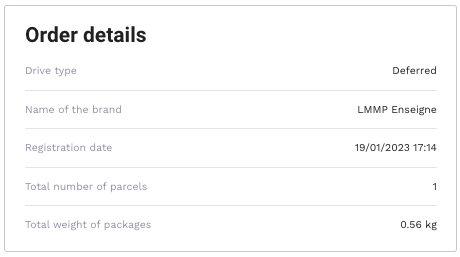
Order details: It allows to find the details of the order, such as:
-
- Drive type : it indicates the drive type (deferred, express, standard)
- Name of the brand
- Registration date : date of the order registration
- Total number of parcels
- Total weight of packages
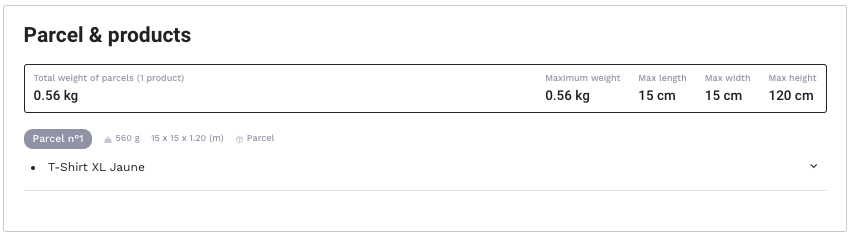
Parcel & products : Displays the list of parcels and products to deliver.
Notifications : Allows to view the notifications sent to the customer.
