Step 1 - Go to Alerts page
Click on the ‘Bell’ icon at the top right of any Woop page.
A pop-up screen will be displayed.
Click on the gear icon.
Step 2 - Find the alert you wish to delete
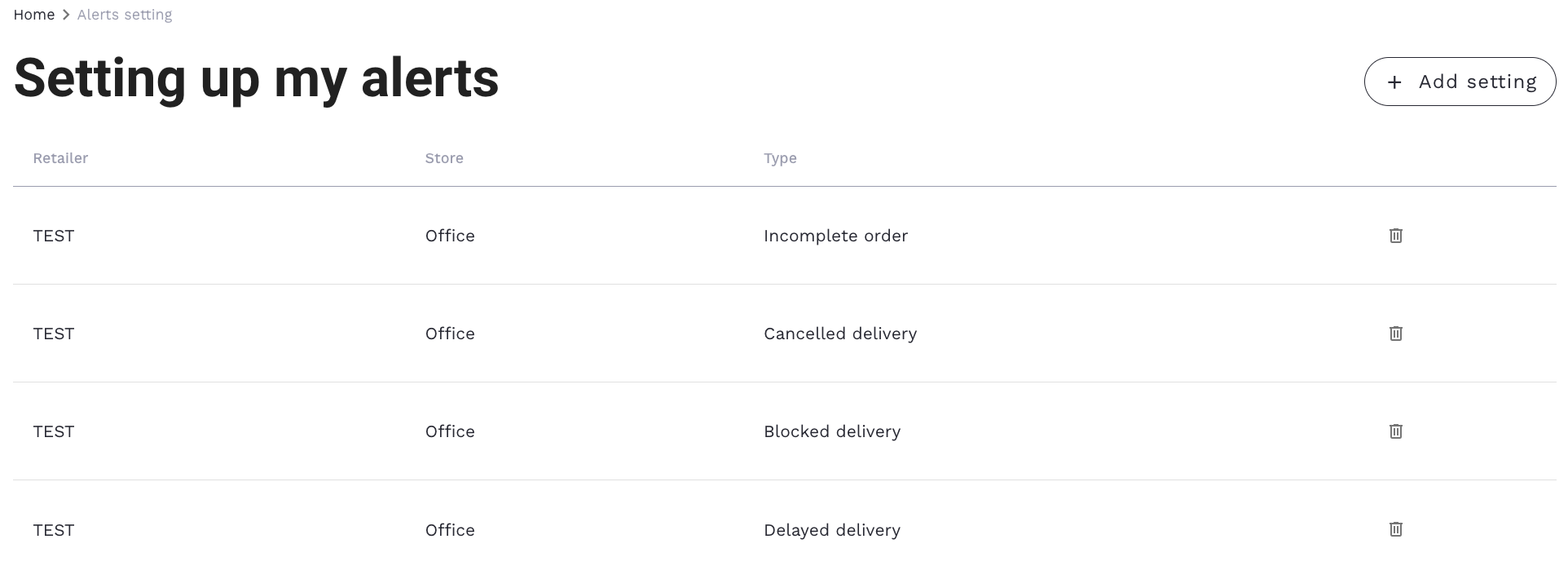
Click on the gear icon and you will be redirected to a page with your alerts.
Step 3 - Delete your alert
On this page, you can delete your alerts.
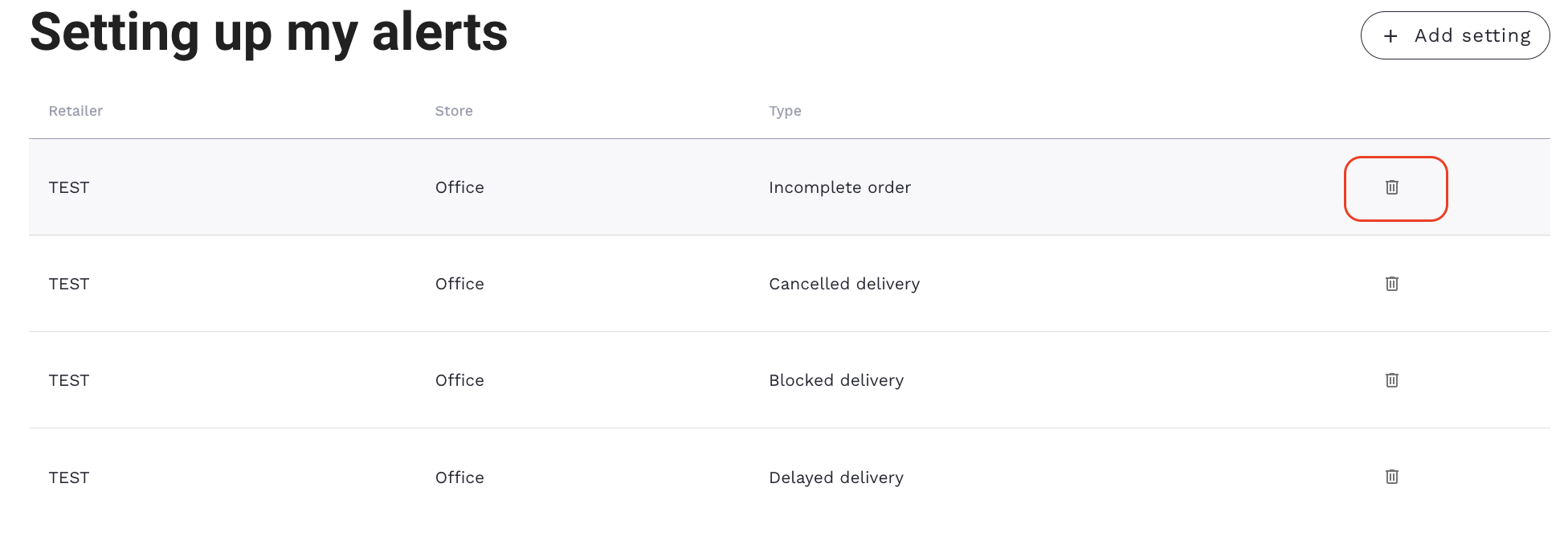
To delete the alert, click on the trash can icon to the right of your alert.
A pop-up window will ask you to confirm the deletion of the selected alert.
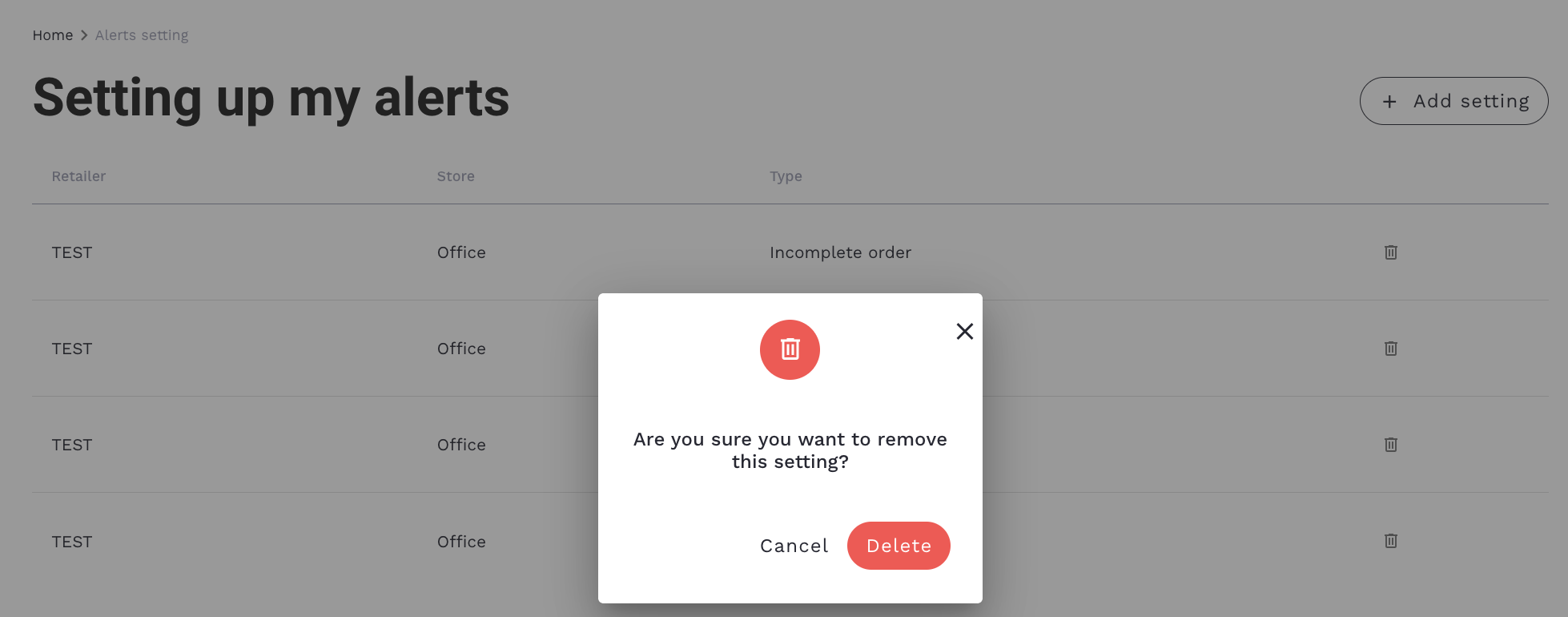
Click ‘Delete’ to delete your alert.