Route
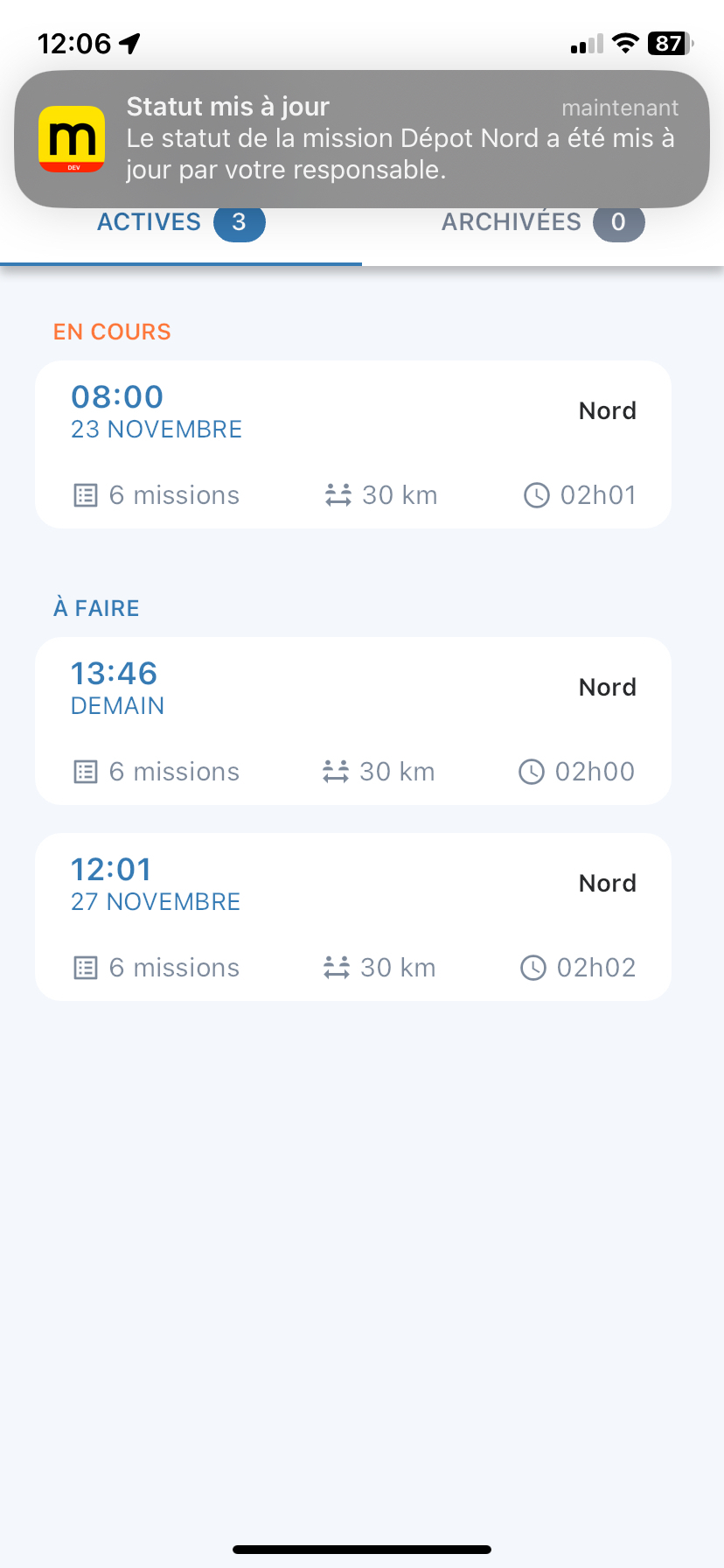
If the user has agreed to receive notifications in the mobile app, they can receive two types of notifications:
- route changes,
- and mission status updates.
Drivers are notified whenever their manager makes any changes to an item in their route:
- mission,
- labels,
- schedules,
- names,
- deliverable units, etc.
These notifications are received by the mobile app when it is open. Otherwise, the user will see a "push" notification, or they can view them from the "Notifications" menu.
Whenever a mission status is updated by the planner, the driver will be notified. They will no longer be able to change the status afterwards.
Be aware of the mode used on the smartphone, as it may mute notifications from the mobile app.
Mapo Driver Version
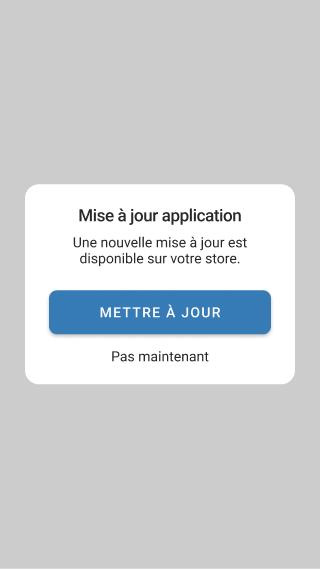
If the user logs in to the mobile app and it detects that the version being used is not up to date compared to the one available on the iOS and Google Play stores, a pop-up will appear prompting the user to update or to do it later.
This notification pop-up will be displayed once a day until the user updates their app.
Geolocation
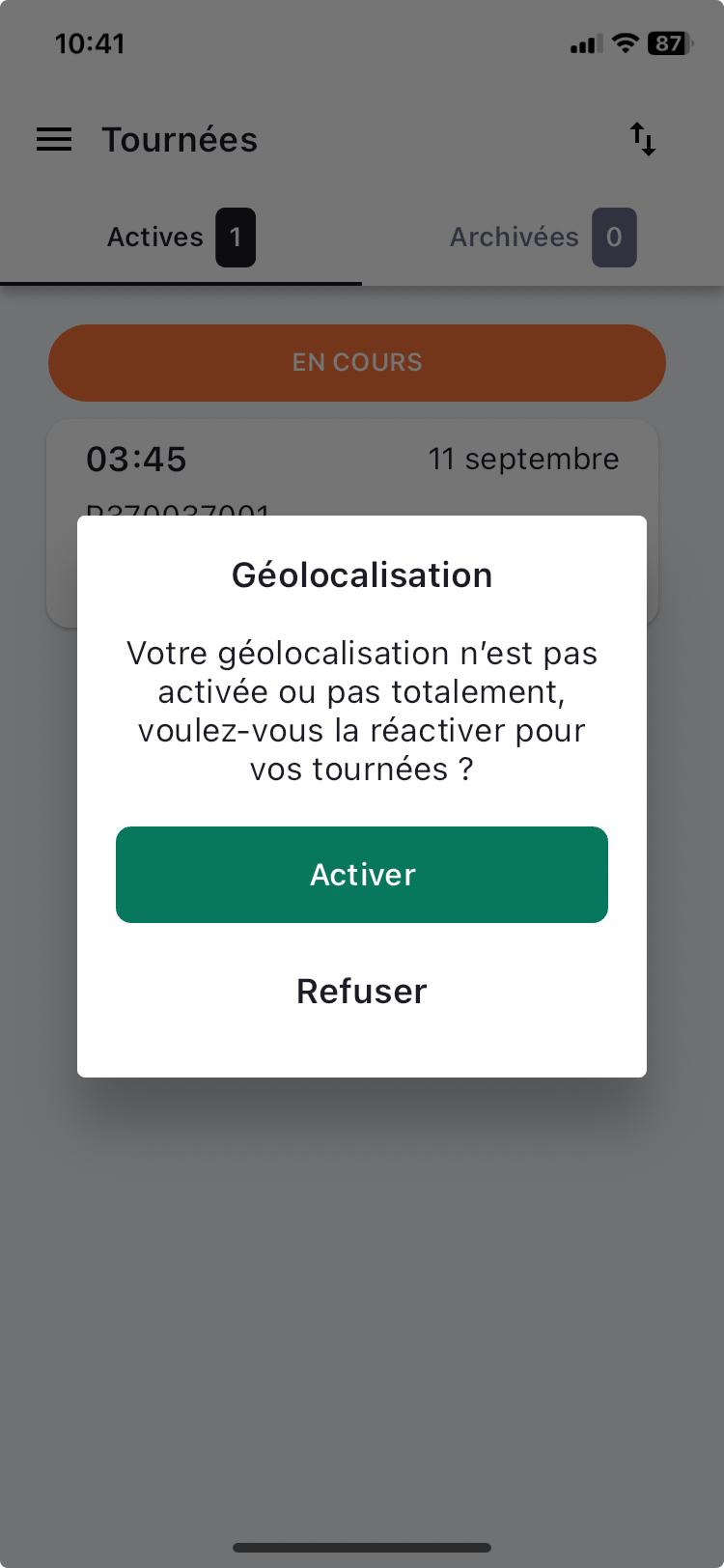
When the user logs in, if my permissions and my geolocation authorisations are disabled, a pop-up appears to alert the user.
On login, a check is carried out to identify:
- if location access is enabled in the phone settings,
- if location access permission is enabled for the Mapo Driver app,
- and if precise location permission is enabled for the Mapo Driver app
The pop-up will appear once a day until geolocation is fully enabled.